> ## Documentation Index
> Fetch the complete documentation index at: https://react.email/docs/llms.txt
> Use this file to discover all available pages before exploring further.
# Manual Setup
> Create a brand-new folder with packages powered by React Email.
Are you using monorepos? Then we recommend you follow our [monorepos setup](/getting-started/monorepo-setup/choose-package-manager).
## 1. Install dependencies
Install the React Email packages locally.
```sh npm theme={"theme":{"light":"github-light","dark":"vesper"}}
npm install @react-email/ui -D -E
npm install react-email react react-dom -E
```
```sh yarn theme={"theme":{"light":"github-light","dark":"vesper"}}
yarn add @react-email/ui -D -E
yarn add react-email react react-dom -E
```
```sh pnpm theme={"theme":{"light":"github-light","dark":"vesper"}}
pnpm add @react-email/ui -D -E
pnpm add react-email react react-dom -E
```
```sh bun theme={"theme":{"light":"github-light","dark":"vesper"}}
bun add @react-email/ui -D -E
bun add react-email react react-dom -E
```
## 2. Add scripts
Include the following script in your `package.json` file.
```json package.json theme={"theme":{"light":"github-light","dark":"vesper"}}
{
"scripts": {
"email:dev": "email dev"
}
}
```
## 3. Write an email template
Create a new folder called `emails`, create a file inside called `email.tsx`, and add the following code:
```jsx emails/email.tsx theme={"theme":{"light":"github-light","dark":"vesper"}}
import { Button, Html, Head, Body } from "react-email";
import * as React from "react";
export default function Email() {
return (
);
}
```
## 4. Run locally
Start the development server.
```sh npm theme={"theme":{"light":"github-light","dark":"vesper"}}
npm run email:dev
```
```sh yarn theme={"theme":{"light":"github-light","dark":"vesper"}}
yarn email:dev
```
```sh pnpm theme={"theme":{"light":"github-light","dark":"vesper"}}
pnpm email:dev
```
```sh bun theme={"theme":{"light":"github-light","dark":"vesper"}}
bun email:dev
```
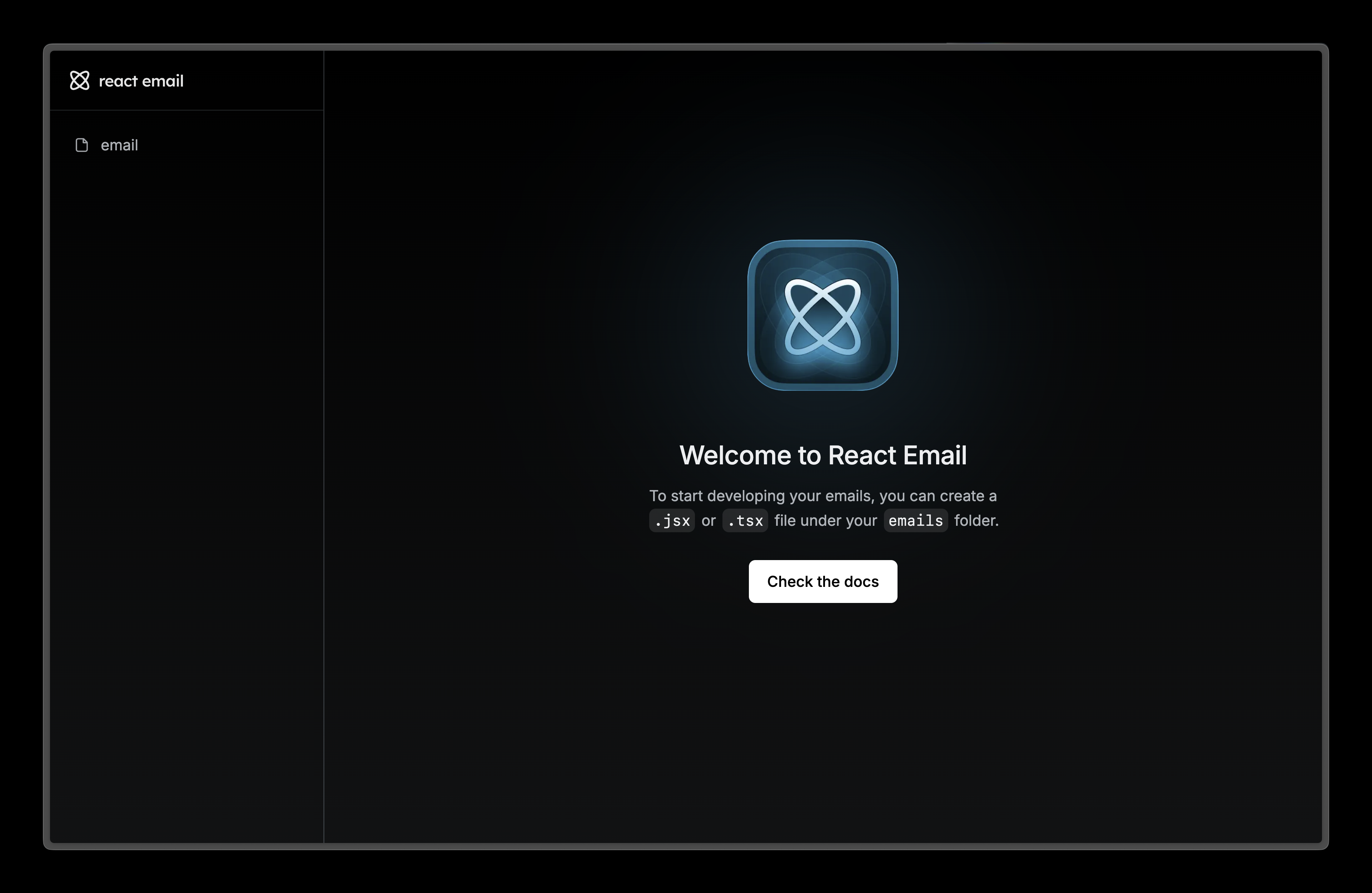
## 5. See changes live
Visit [localhost:3000](http://localhost:3000) and edit `email.tsx` file to see the changes.
## 6. Next steps
Try adding these other components to your email.
Display an image in your email.
A hyperlink to web pages or anything else a URL can address.
Display a divider that separates content areas in your email.
A preview text that will be displayed in the inbox of the recipient.
 ## 6. Next steps
Try adding these other components to your email.
## 6. Next steps
Try adding these other components to your email.